Microphone not working on Windows during a live video chat usually happens because Windows keeps its own microphone switch, separate from whatever the browser or the site already allowed. That switch can sit off, locked to whoever manages the PC, or already claimed by another program running in the background.
You'll pick who to meet by gender and language, then land straight in our video chat.
Where the switch lives
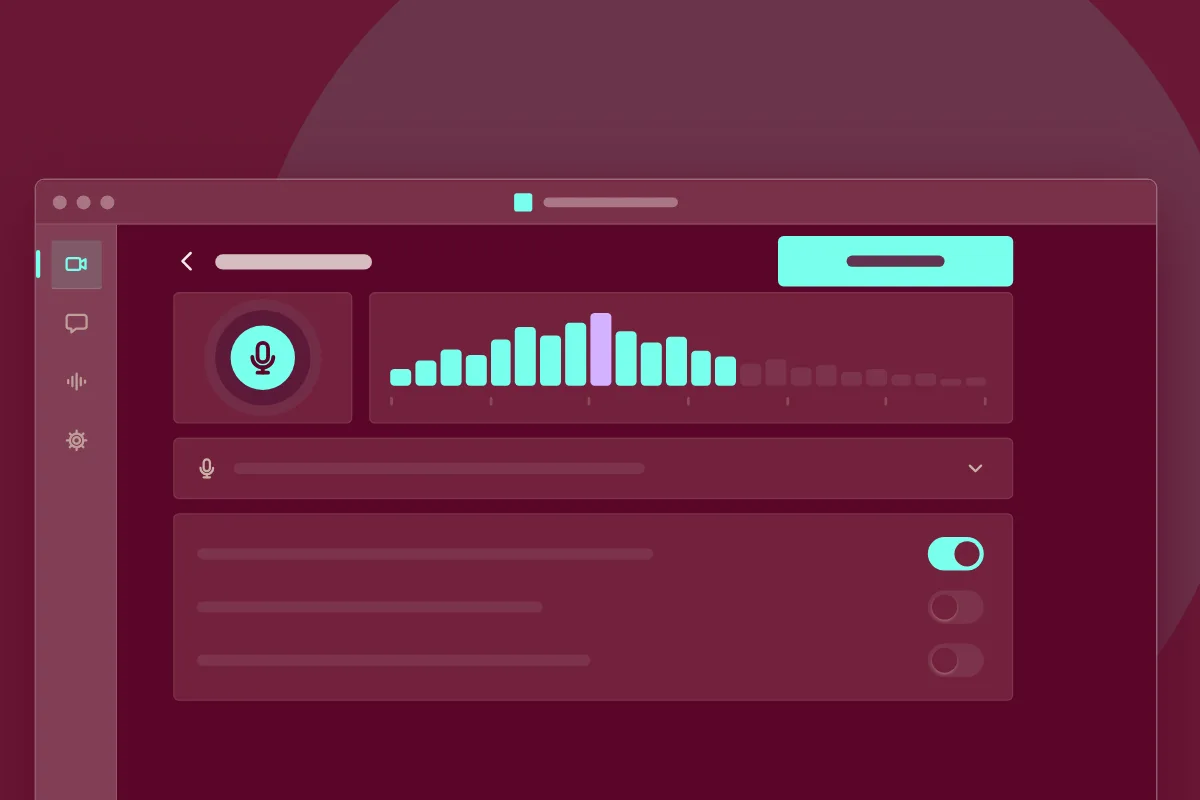
Before any video chat app gets sound, Windows decides first: a Microphone page in Settings, laid out like Camera beside it, one switch for the machine and a list per program. A lit taskbar icon means something already holds the mic.
Match the symptom
-
The Microphone toggle won't switch on
A greyed-out toggle usually belongs to a managed or family account: whoever manages the PC flips it. This site also needs microphone permission, granted from the address bar icon.
-
The taskbar's mic icon is lit for no reason
That icon only lights while another app already has the microphone open. Microphone not working on Windows usually traces to whichever program grabbed it first; close it, then reload the tab.
-
Nothing changes even after every switch is on
If this still fails, restart the browser so it rereads permissions, then try a fresh tab.
-
Both the camera and the microphone go quiet
That pairing usually isn't two faults: Camera and Microphone share the same Settings screen, so check them together, a step most pages skip.
Before you start
- Managed access
- whoever controls the PC to flip a locked toggle
- One microphone chosen
- the right device picked if more than one is listed
When Chrome remembers "Never"
None of this applies if Chrome itself holds a flat refusal saved earlier; that's the browser's own memory, and the fix for a stored Chrome refusal covers it separately. Picture is separate: an hd video call can look sharp with video call sound gone, since software for Android keeps its own switch elsewhere. Once every switch reads Allow, LiveVideoChat picks up sound the moment the page opens.